No products in the cart.

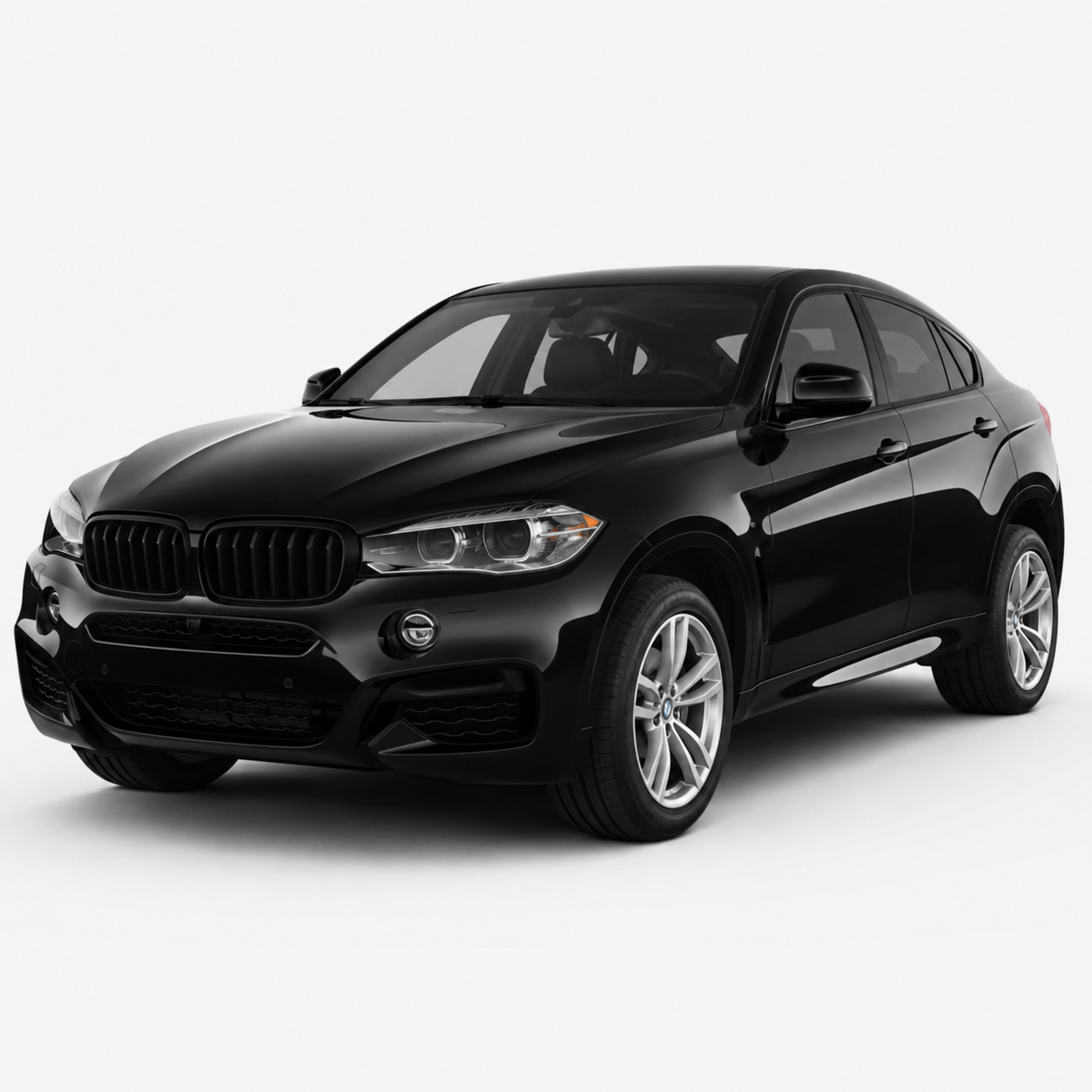
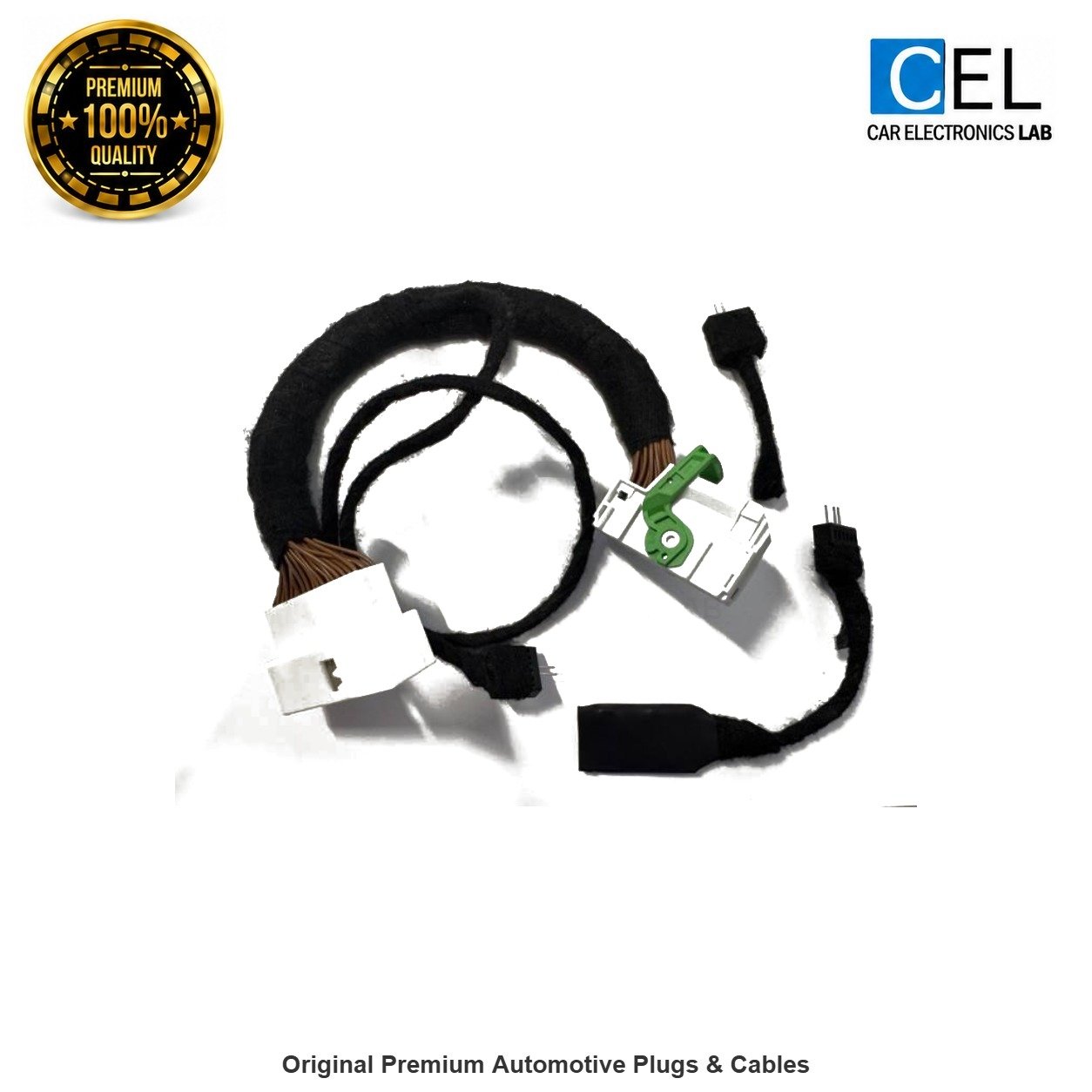
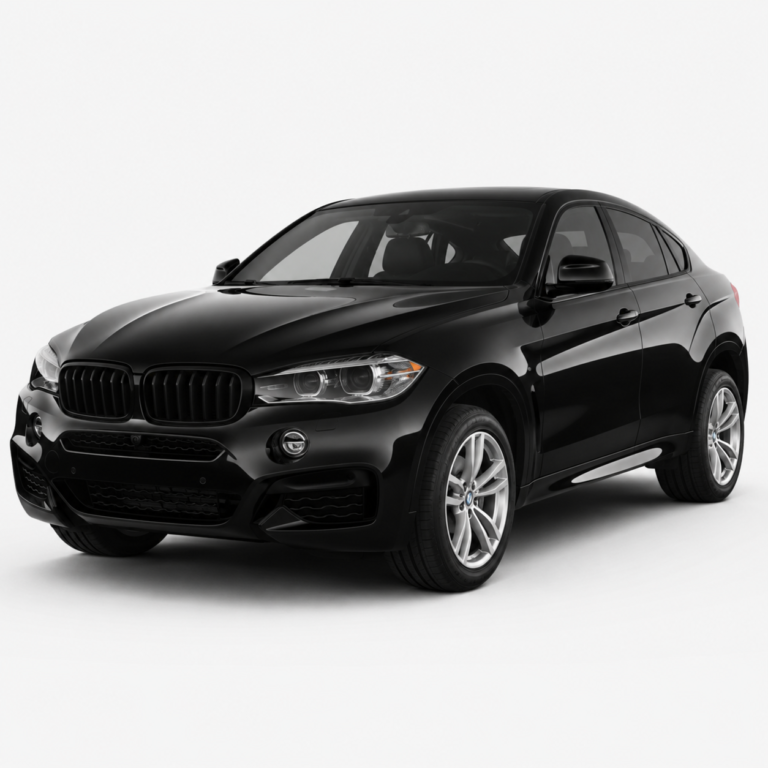
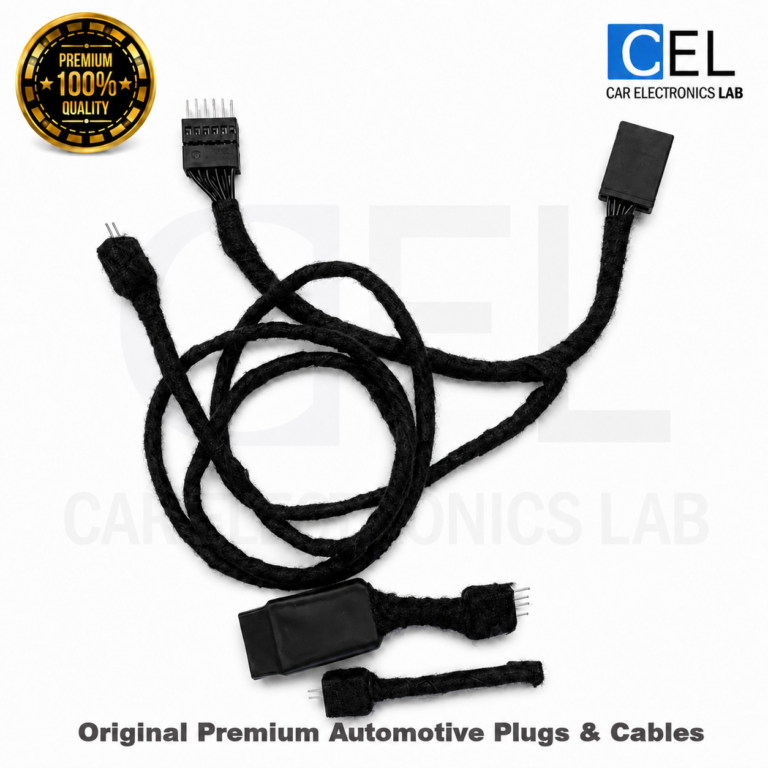
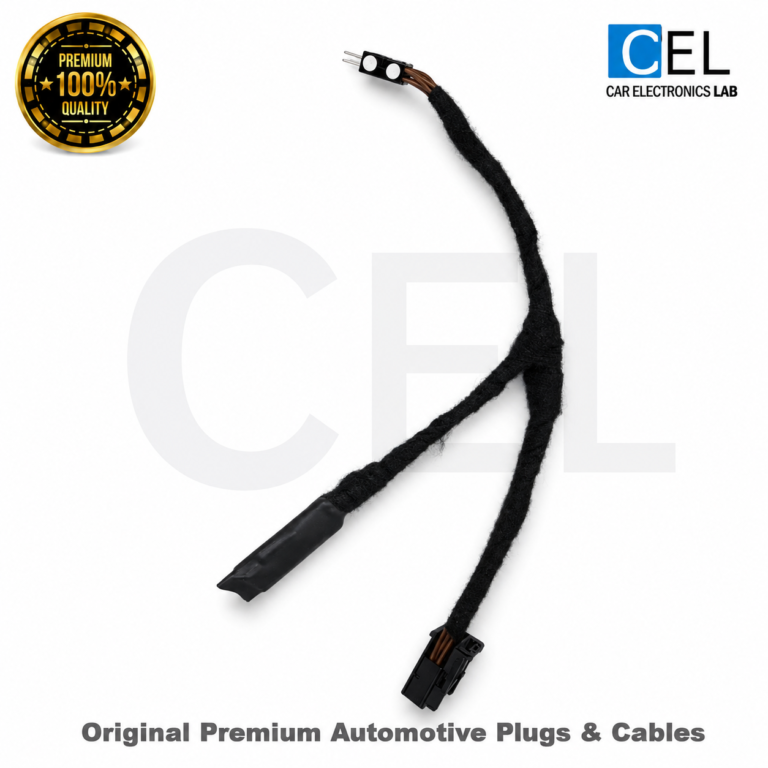
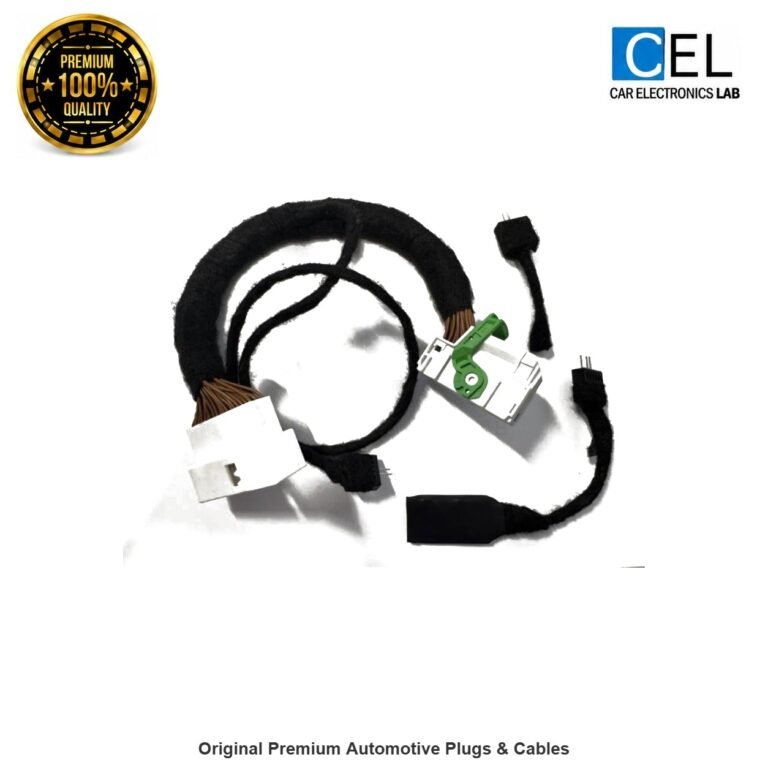
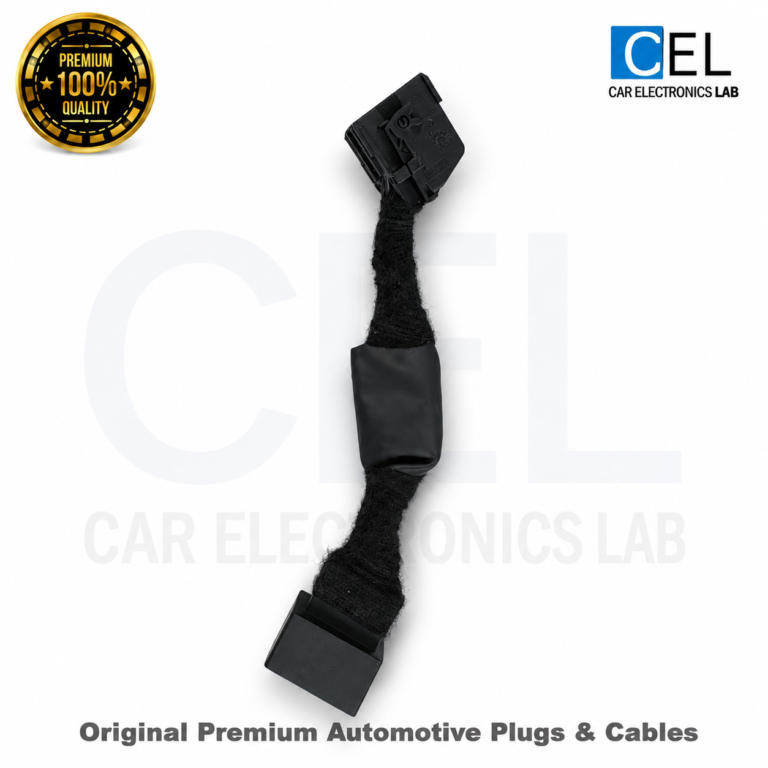
BMW X6 G06 Mileage Blocker
2019–2024
€210.00 – €800.00Price range: €210.00 through €800.00
Shipping calculated at checkout.
- Compatible with BMW X6 G06 for the model years listed above. Choose the display version fitted to your vehicle.
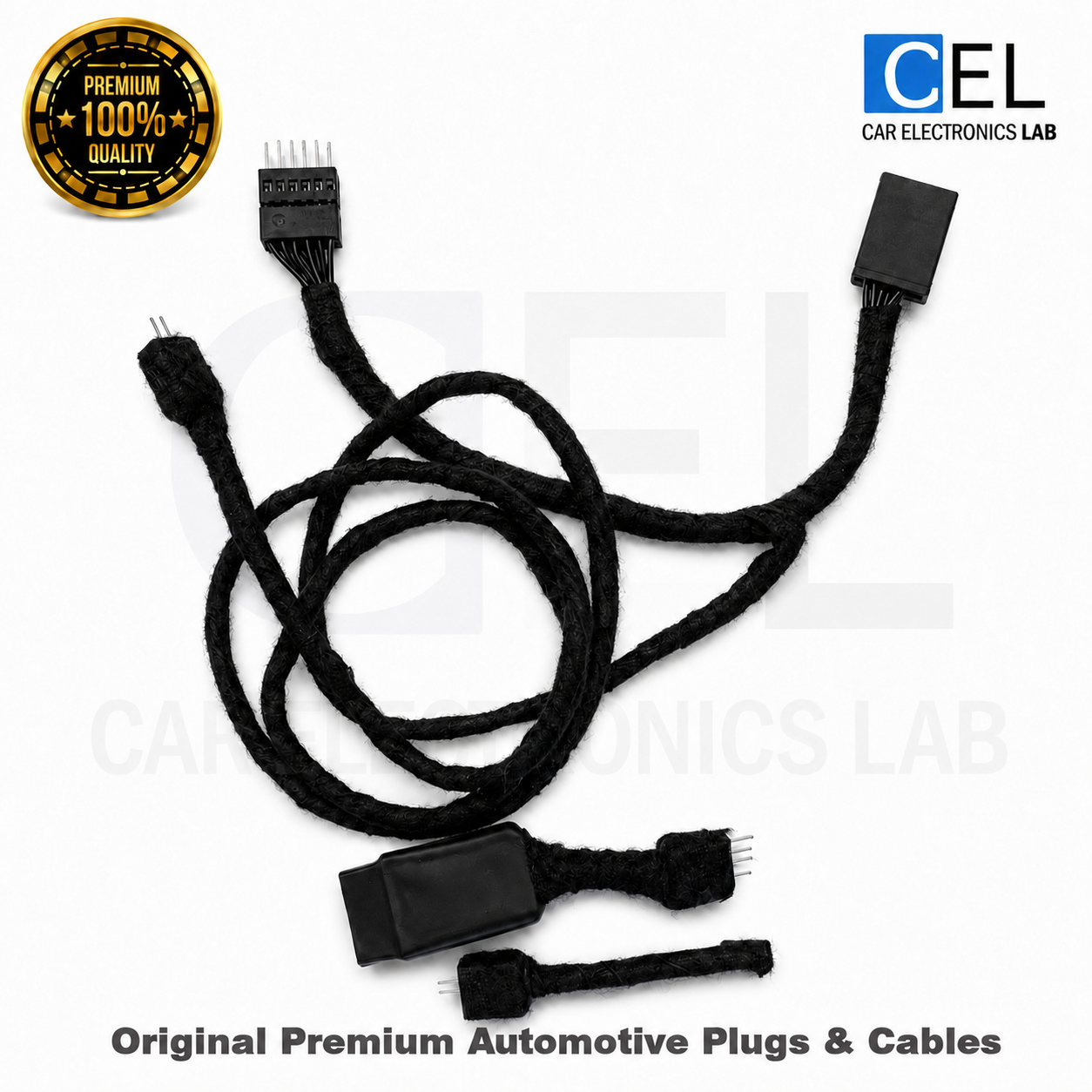
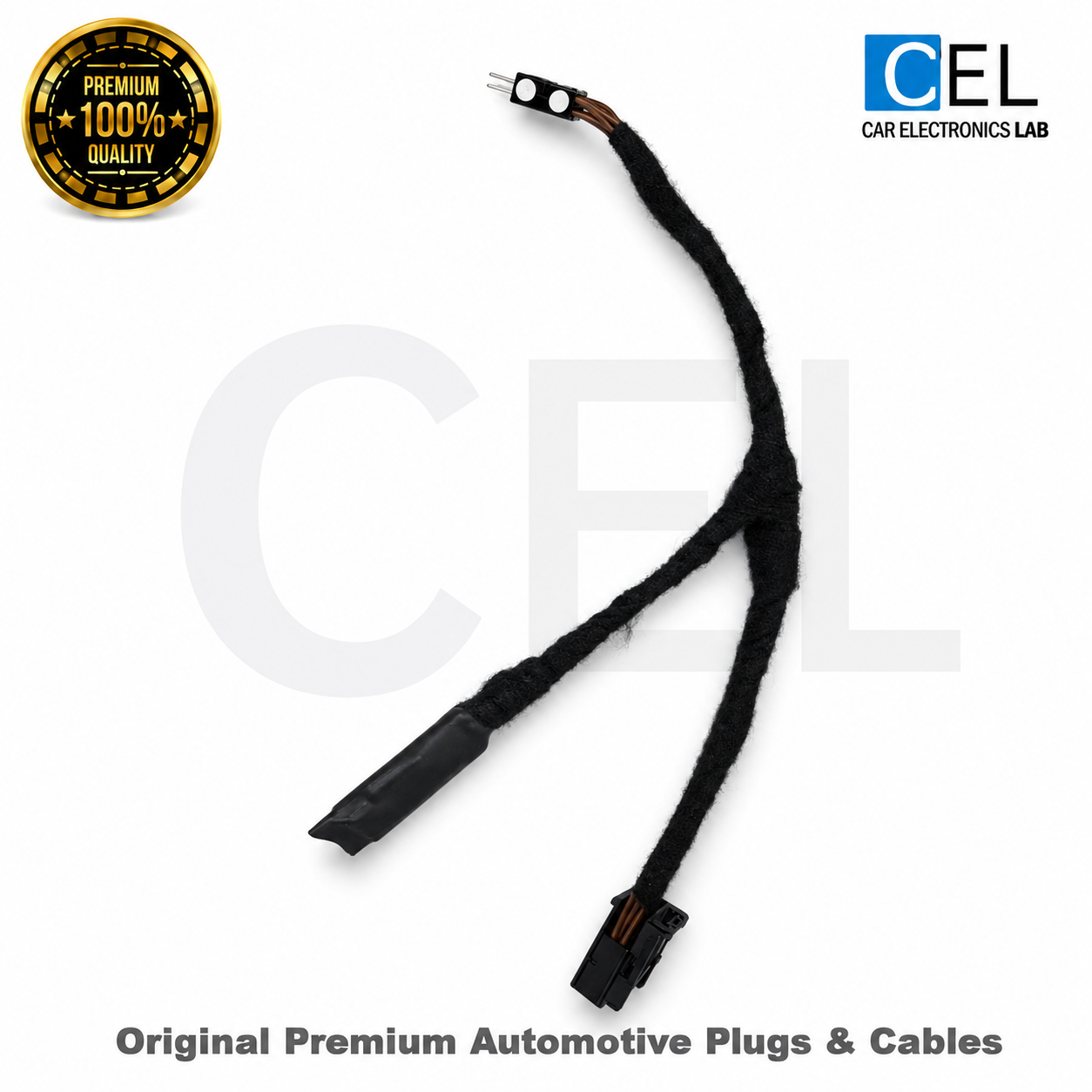
- Plug-and-play installation. No wire cutting or soldering. Installation instructions supplied after purchase.
- Switch between operating modes in seconds.
- All driver assistance systems remain operational in all modes. Mode 1 shows 10% of actual speed; modes 2–6 show actual speed.
WARNING:
This product is intended for OFF-ROAD and DYNO testing only.
Use on public roads may violate local laws. We are
NOT responsible for any vehicle damage, malfunction, or engine failure.
Buyer assumes all risk and liability. Use at your own risk.
Buyer assumes all risk and liability. Use at your own risk.
PRODUCT DESCRIPTION
This BMW X6 G06 listing combines the existing cockpit and cable choices with six BC-controlled modes. The 10% setting also changes displayed speed; the remaining profiles show actual speed.
Compatibility and connection
This product covers BMW X6 G06 within the model-year range displayed above. Live Cockpit connects at the instrument cluster; Curved Screen connects at the BCM. Both are plug-and-play installations without cutting or soldering. Installation instructions are supplied after purchase.
Six operating modes
Mode 1 records 10% of distance and displays 10% of actual speed: an actual 50 km/h appears as 5 km/h. Modes 2, 3, 4 and 5 record 25%, 35%, 50% and 70% respectively while showing actual speed. Mode 6 is Bypass, with normal distance recording and actual speed. Driver assistance systems remain operational in all modes.
BC control and confirmation
Keep the vehicle stationary with the engine running. Hold BC for 5 seconds to advance one mode. Release it, then hold again for 5 seconds for the next selection. The sequence runs from 1 to 6 and returns to 1. Brief speedometer indications are 5, 10, 15, 20, 25 and 30 km/h respectively; afterwards, speed is displayed according to the active mode. The first connection selects mode 1, and the last choice is retained.
What is included?
Short includes the standard plug-and-play mileage blocker. Long includes a longer cable, quick-disconnect connector and dummy plug, allowing the emulator to be disconnected using that connection.
Intended use
For off-road, closed-track and dyno testing only. Do not use this product to misrepresent vehicle mileage or history. For help with your BMW X6 G06, see our Mileage Blocker Support & FAQ.
OPERATING MODES
Hold BC for 5 seconds to select the next mode.
With the engine running and the vehicle stationary, hold BC for 5 seconds. Release the button before holding it again to advance another mode.
1
cel-
LIMITED 10%
Distance recording: 10%
SPEEDOMETER DISPLAYS
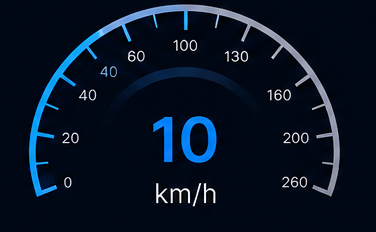
10% of actual speed. Actual 50 km/h = displayed 5 km/h.
INDICATION
Brief 5 km/h speedometer indication.
EXAMPLE
50 km/h actual – 5 km/h displayed
100 km – 10 km
2
cel-
LIMITED 25%
Distance recording: 25%
SPEEDOMETER DISPLAYS
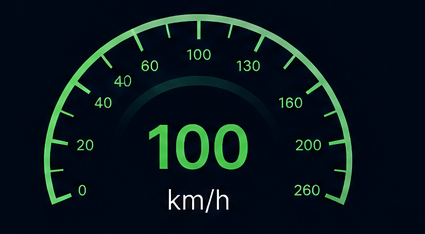
Actual speed is displayed after the brief mode confirmation.
INDICATION
Brief 10 km/h speedometer indication.
EXAMPLE
50 km/h actual – 50 km/h displayed
100 km – 25 km
3
cel-
LIMITED 35%
Distance recording: 35%
SPEEDOMETER DISPLAYS
Actual speed is displayed after the brief mode confirmation.
INDICATION
Brief 15 km/h speedometer indication.
EXAMPLE
50 km/h actual – 50 km/h displayed
100 km – 35 km
4
cel-
LIMITED 50%
Distance recording: 50%
SPEEDOMETER DISPLAYS
Actual speed is displayed after the brief mode confirmation.
INDICATION
Brief 20 km/h speedometer indication.
EXAMPLE
50 km/h actual – 50 km/h displayed
100 km – 50 km
5
cel-
LIMITED 70%
Distance recording: 70%
SPEEDOMETER DISPLAYS
Actual speed is displayed after the brief mode confirmation.
INDICATION
Brief 25 km/h speedometer indication.
EXAMPLE
50 km/h actual – 50 km/h displayed
100 km – 70 km
6
cel-
BYPASS
Distance recording: 100%
SPEEDOMETER DISPLAYS
Actual speed is displayed after the brief mode confirmation.
INDICATION
Brief 30 km/h speedometer indication.
EXAMPLE
50 km/h actual – 50 km/h displayed
100 km – 100 km

MODE SWITCHING
Change modes only with the engine running and the vehicle stationary. Hold the BC button for 5 seconds, release it, then repeat to advance one mode at a time: 1 → 2 → 3 → 4 → 5 → 6 → 1.
Brief speedometer confirmation: 1 = 5 km/h; 2 = 10 km/h; 3 = 15 km/h; 4 = 20 km/h; 5 = 25 km/h; 6 = 30 km/h. Afterwards the speed display follows the selected mode.
Initial connection selects mode 1 (10%). The last selected mode is retained. Live Cockpit and Curved Screen use the same six modes.
For off-road, closed-track and dyno testing only.

INSTANT SWITCHING
Hold BC for 5 seconds while stationary with the engine running. Release before selecting the next mode.
SETTINGS SAVED
Starts in mode 1 (10%) on first connection. Remembers the last selected mode.
PLUG & PLAY
Plug-and-play connections. Live Cockpit connects at the instrument cluster; Curved Screen connects at the BCM.
Related products
- New

- New